macOS
Apple Silicon & Intel
Signed & notarized


Download the app. Create your brain. Connect your tools.
Your context has a place to keep growing.
Apple Silicon & Intel
Signed & notarized
64-bit Windows
Code-signed installer
Creating your brain in your own Cloudflare account is a one-time guided step, and the app that does it runs on a desktop. Once it exists, your dashboard and your connected AI clients work from your other devices, including your phone. There is no phone installer, and there does not need to be.
Deploy it yourself, including on LinuxCapture from your phone once it is set up
Choose your platform. Installer links resolve to the latest GitHub release.
Free, open-source software. You’ll sign in to Cloudflare during setup.
A free account can be created in the app. Infrastructure usage limits apply.
On Mac, drag Second Brain into Applications. On Windows, run the installer.
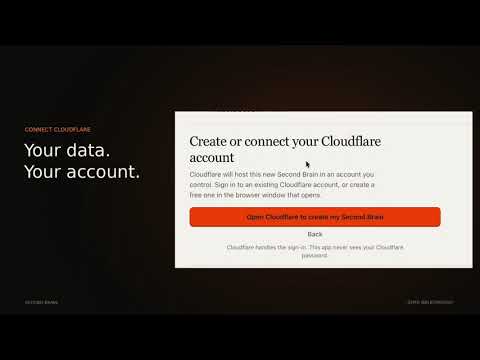
Choose a password and sign in to Cloudflare. The app provisions your memory service.
Follow the guided connection steps. Some clients need a pasted URL and the supplied memory instructions.

No. The desktop app creates the Cloudflare resources for you. You’ll choose a password, sign in to Cloudflare, and follow the connection steps for your AI tools.
A free account can be enough for personal use. Cloudflare’s free-tier limits apply, and heavier usage can incur infrastructure charges. Second Brain itself is free software.
The desktop installers are for Mac and Windows. On Linux, use the Cloudflare deployment or manual setup guide. Once deployed, you can use your dashboard and compatible connected clients from other devices. iOS Shortcuts provide another capture route.
Choose “Already have a Second Brain?” in the app and enter your existing address and password. That connects the new computer without creating another brain.
Yes. The setup guide includes Cloudflare deployment and manual installation. All methods deploy the same software into your own account.
Choose the file ending in _universal.dmg for Mac or _x64-setup.exe for Windows. If the GitHub API is unavailable, the buttons fall back to the latest release page so you can choose the file directly.
Compare it honestly. See how Second Brain holds up against Mem0, Unabyss and rolling your own.
A GitHub star helps the open-source project get discovered.